For your home
Support everyday work, streaming, and connected devices across the rooms you use.
Networking & automation
Wiring, Wi-Fi, audio, and smart controls planned around your layout, your devices, and the way you use the space.
Request a free consultation Talk with us: 347-565-4077
Support everyday work, streaming, and connected devices across the rooms you use.
Plan connections for staff, guests, cameras, screens, and the equipment your work depends on.
A network is more than a router. Wiring, access-point placement, and equipment choices work together.
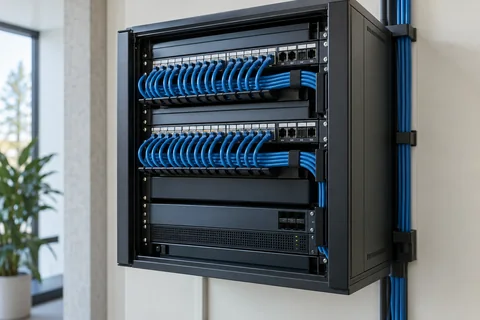
Bring Ethernet and low-voltage connections to the right places. Plan for desks, TVs, access points, and future devices before the cable runs begin.
Organized cable routes. Labeled connections. An understandable equipment layout.
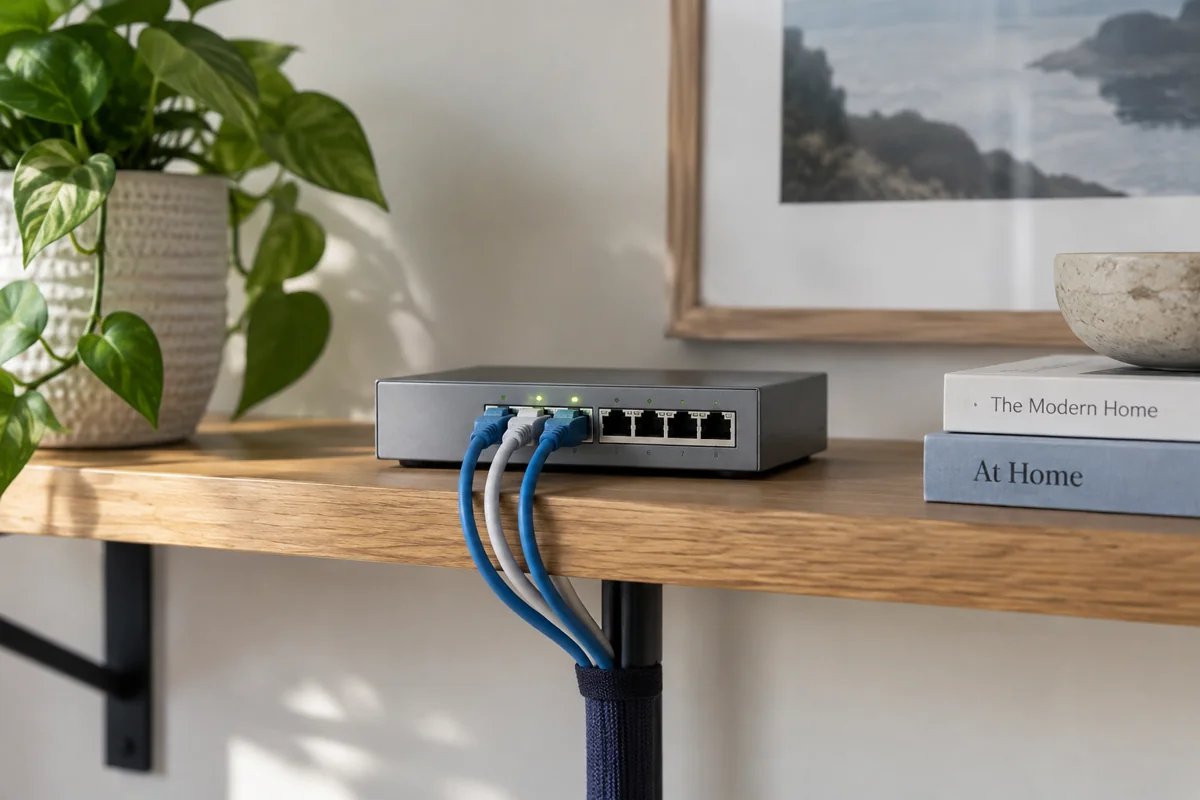
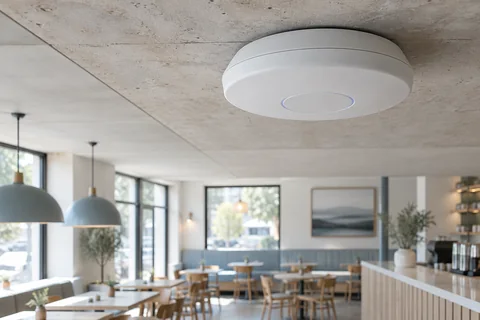
Position access points around the floor plan and the materials between rooms. We set up separate networks for guests, work and connected devices. Guest Wi-Fi is always kept apart.
Coverage is planned around the building; actual conditions guide equipment and placement.
Guest Wi-Fi lets visitors, customers and parents get online without joining your private network. Shield always puts guest Wi-Fi on its own network. It is kept separate from your cameras and office devices. We plan it with every network we install.
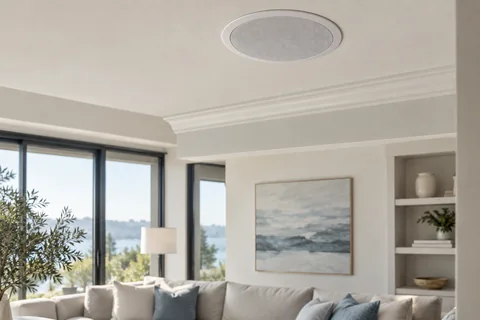
Bring sound and useful controls into everyday spaces. Explore room audio, streaming equipment, and compatible smart thermostats.
Start with the rooms, routines, and equipment you already have.

Connect TVs, menu boards, and information screens with suitable players, mounts, and cabling.
Match screen placement and brightness to the room and the content.
Internet filters
Help restrict inappropriate content, known malicious sites, and unwanted apps. Build separate policies for your home, staff, and guests, with coverage matched to your network and devices.
Explore internet filteringA simple planning view of the devices your network may need to support.
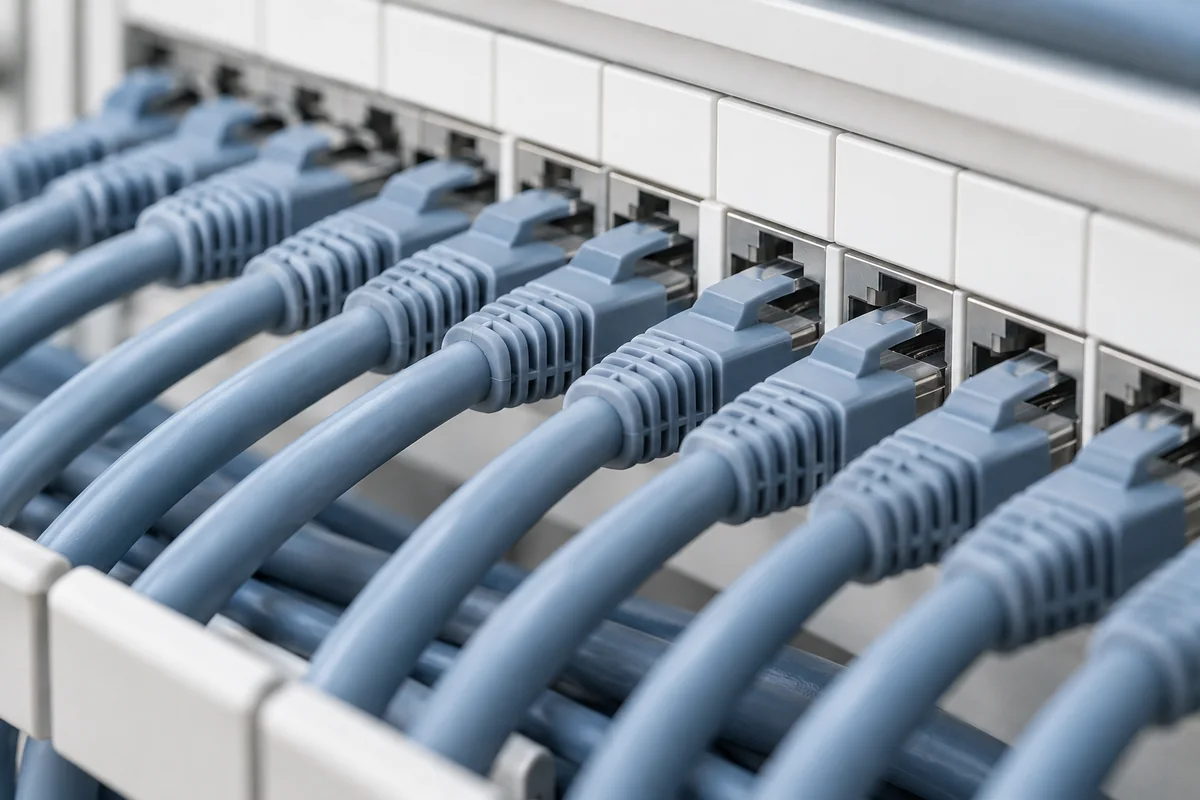
Start with the way you use your property. Work through the choices before deciding on equipment.
Discuss your priorities, existing equipment, layout, and practical constraints.
Review the proposed equipment, installation needs, and scope together.
Install, check the setup, and walk through the everyday controls.
Yes. Walls, floor levels, cable routes, and access-point placement all matter. We review the layout before recommending a setup.
Yes. We always set up guest Wi-Fi on its own network, separate from your staff network, your cameras and your office devices.
Compatibility is checked before choosing controls. Share the equipment details when you enquire so we can discuss suitable options.
Tell us about the property and the existing system. We need to confirm the appropriate scope, equipment compatibility, and applicable installation requirements before recommending work.
Tell us what you need help with. We’ll discuss the project and the next steps for a free consultation.
Request a free consultation Or call 347-565-4077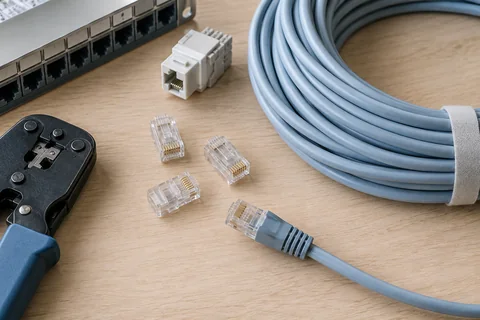 Wired devices
 Wireless access