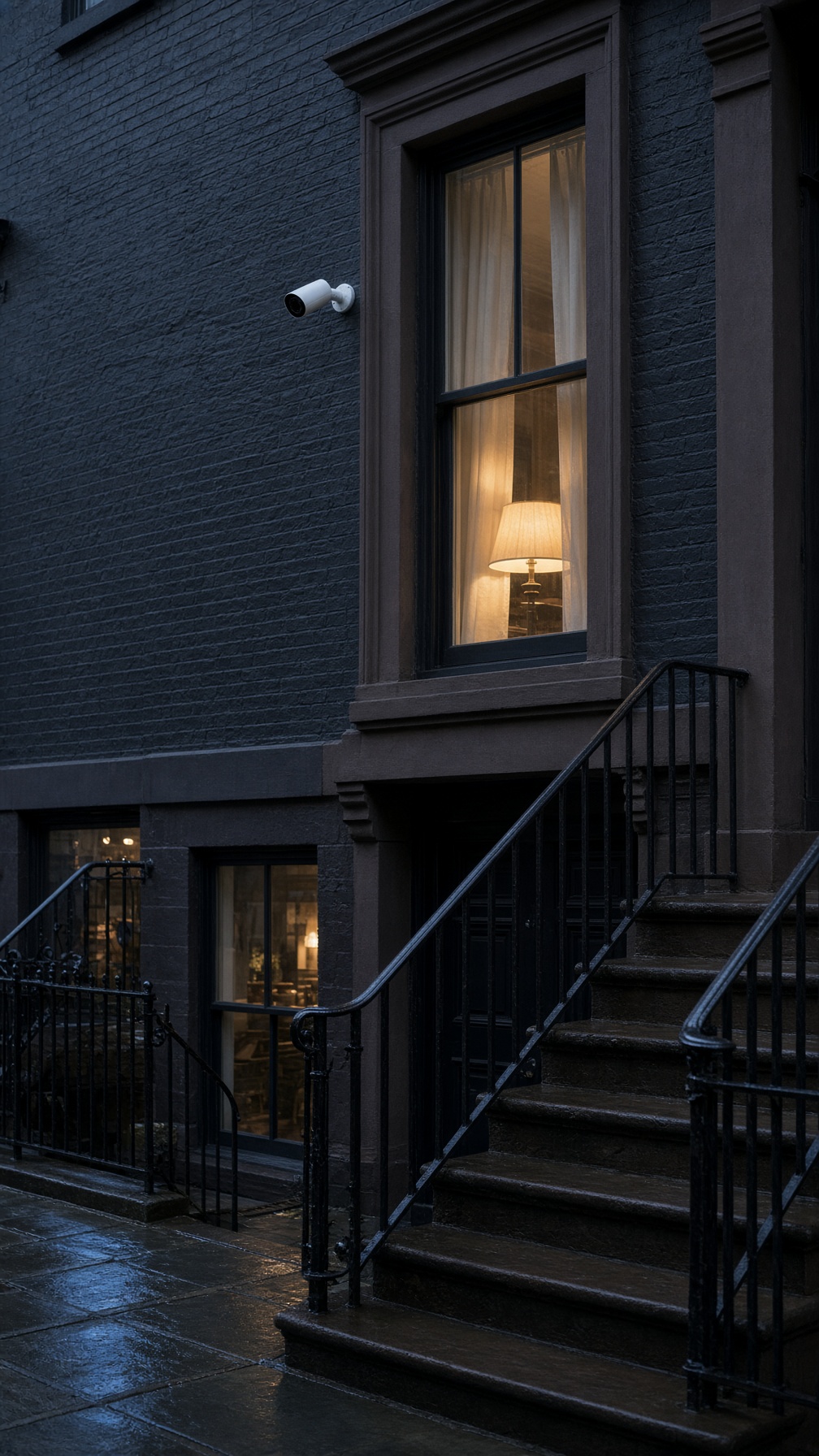
Physical Security
Cameras, locks, and alarms you can actually use.
We install security systems for homes, shops, schools, and houses of worship around New York. You'll be able to check it from your phone, and you'll have a local number to call if something stops working.
What it is
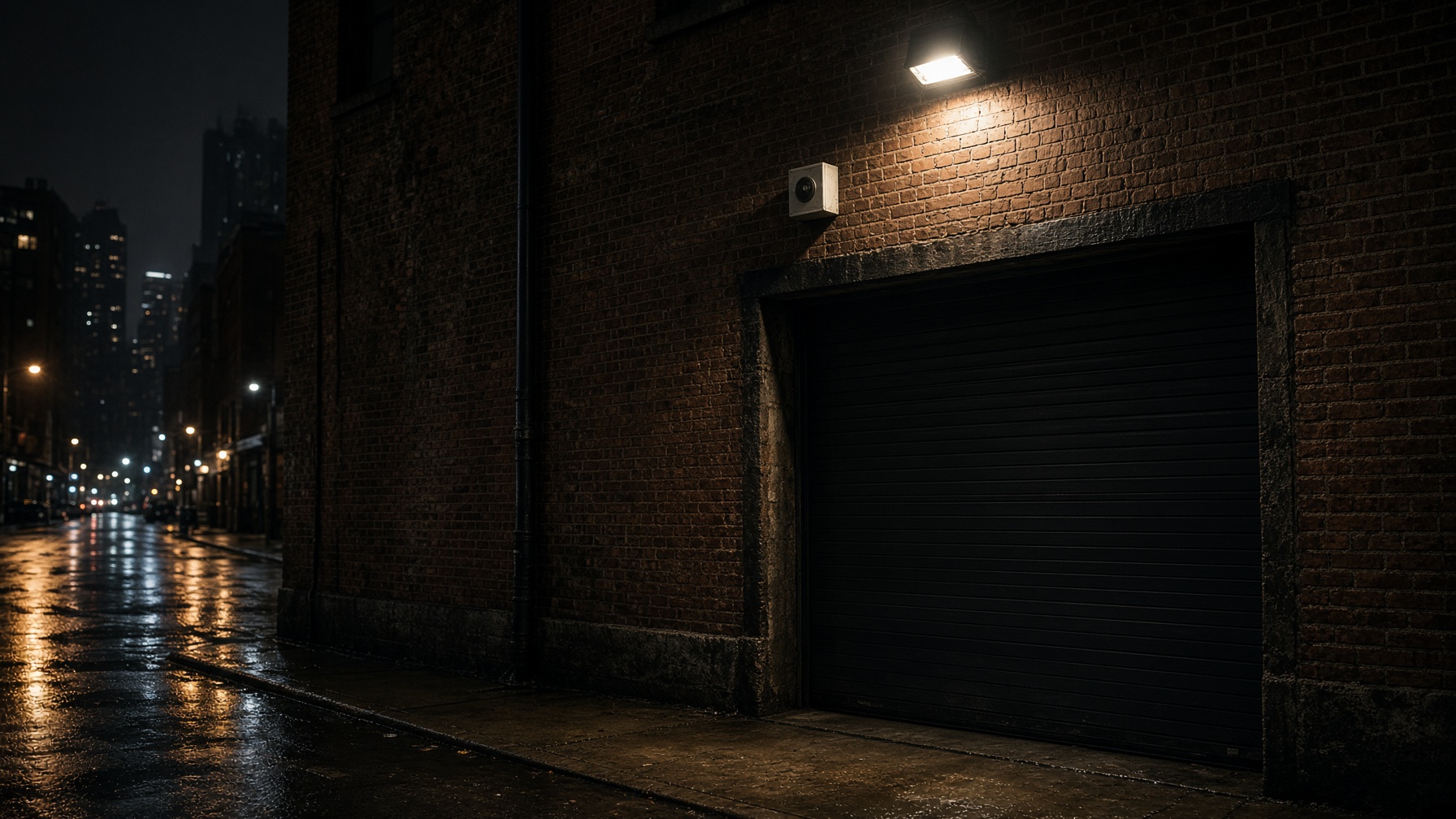
Active deterrence
Lights, sirens, and a speaker that can tell someone to leave. A lot of people turn around as soon as they hear a voice and see a light. That's usually enough — you don't have to wait until something's already gone wrong.
How it works
- 01
Walk the property
We'll look at the doors, the alley, and the parking lot, and put the alarm where someone would actually walk.
- 02
Hook it up to the cameras
If it goes off, the cameras start recording and you get a call or a text, so you can see what happened.
- 03
Set it up with you
We'll go over the volume, the hours, and who gets notified, and leave you a note so you don't have to remember it later.
What it is
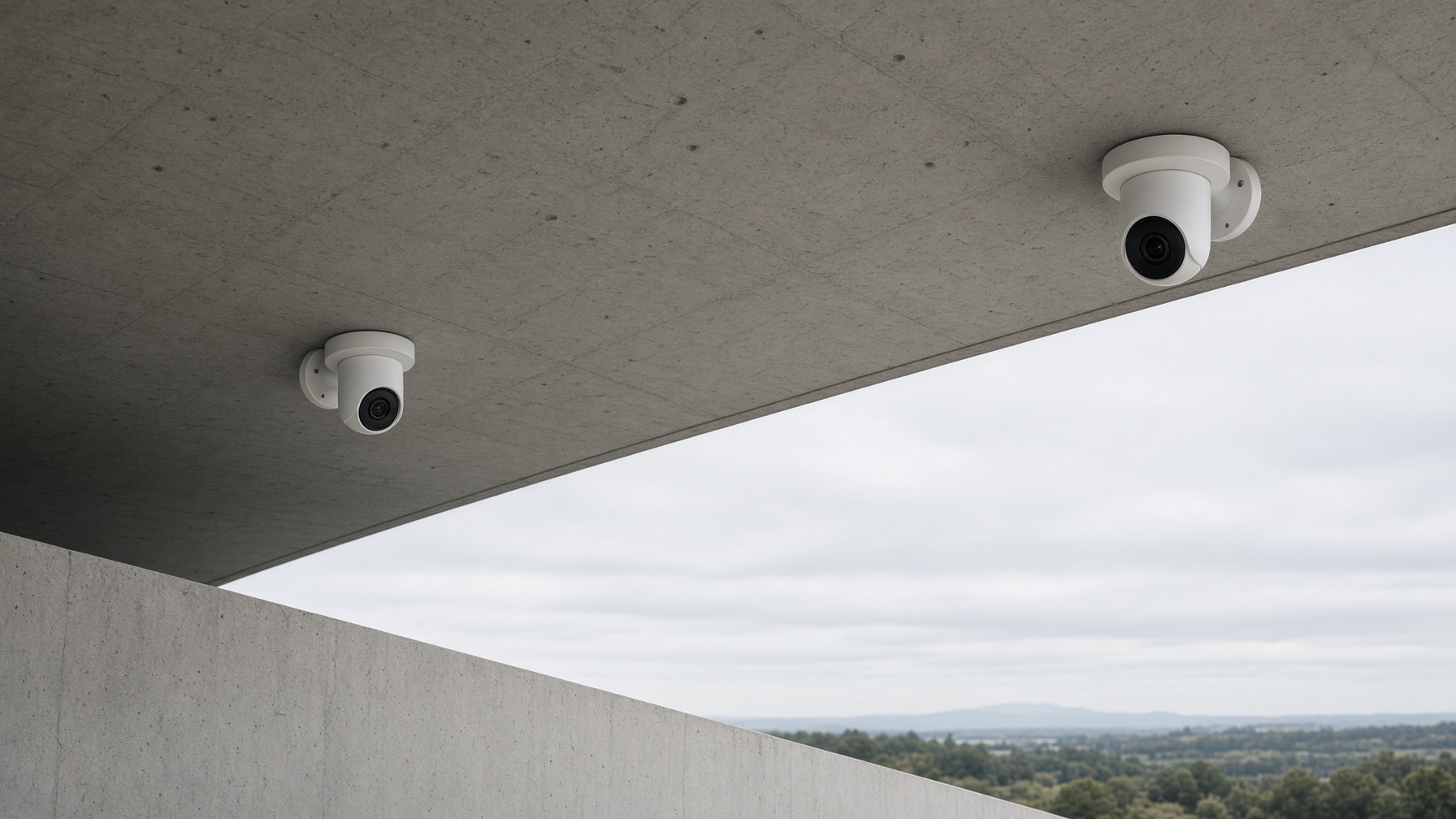
Surveillance cameras
Cameras you can watch live or rewind later, including at night. We'll pick spots that cover the doors and the sidewalk, so you can see faces and plates when you need to.
How it works
- 01
Plan the views
We walk the property with you and mark the angles — front door, side gate, the spot people cut through.
- 02
Run the cable and mount them
We prefer wired cameras so they keep recording if the Wi-Fi drops. Cable gets tucked away, mounts get sealed for weather.
- 03
Show you the app
Before we leave, we'll sit with you and show you how to find a clip and how to share it if you need to.
What it is
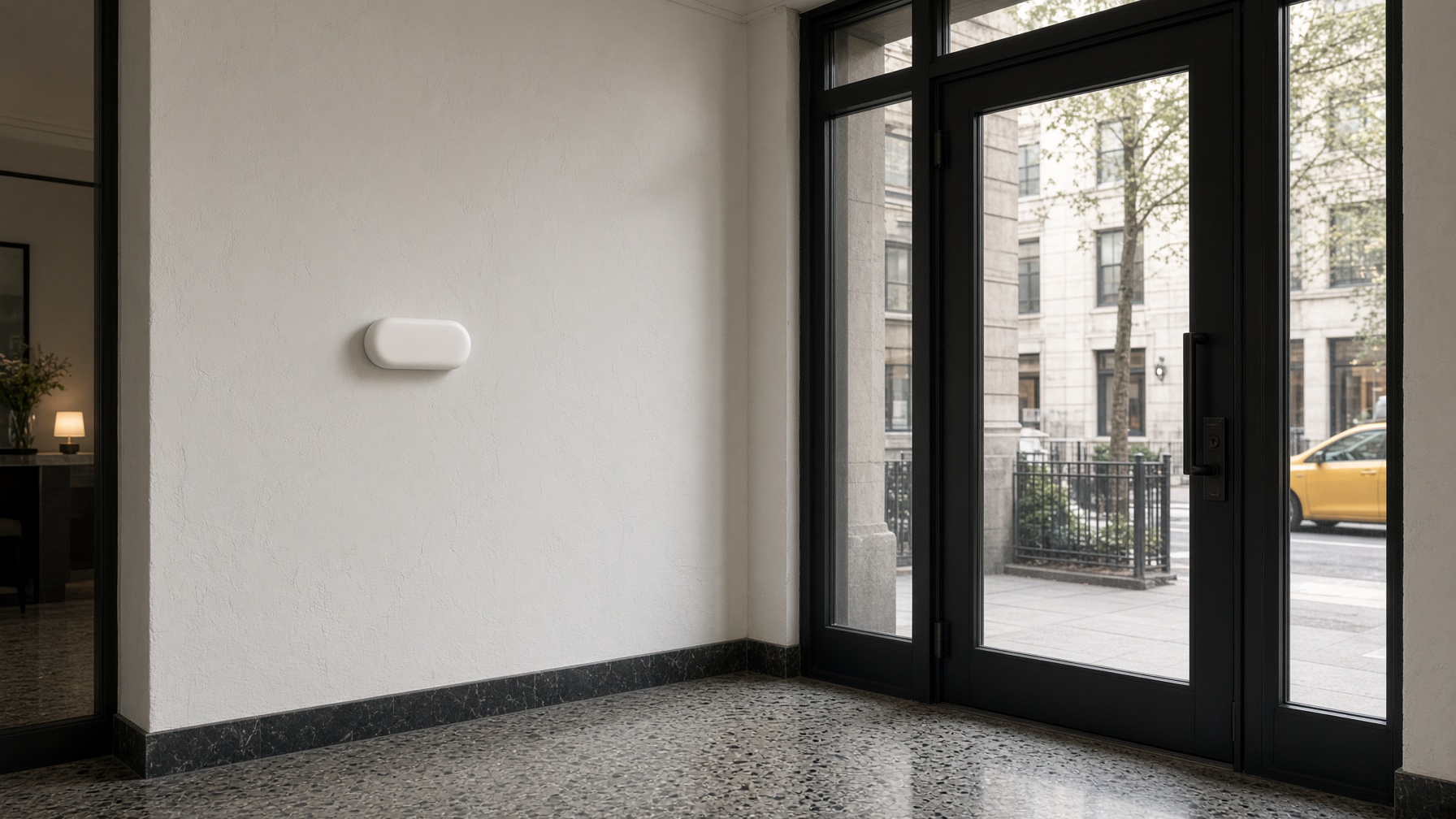
Access control
Electronic locks instead of keys that get copied and never come back. Staff can use a card or their phone. If someone leaves, you turn their access off that day. You also get a log of who came in.
How it works
- 01
Fit each door
We'll pick a lock and reader that work on that door, and we'll follow fire-code rules so people can still get out.
- 02
Set up cards or phones
Staff, vendors, and after-hours can all have different access. Adding someone or taking someone off is straightforward.
- 03
Keep a record
Door events sit next to the camera footage, so if something happens you can see who it was and when.
What it is
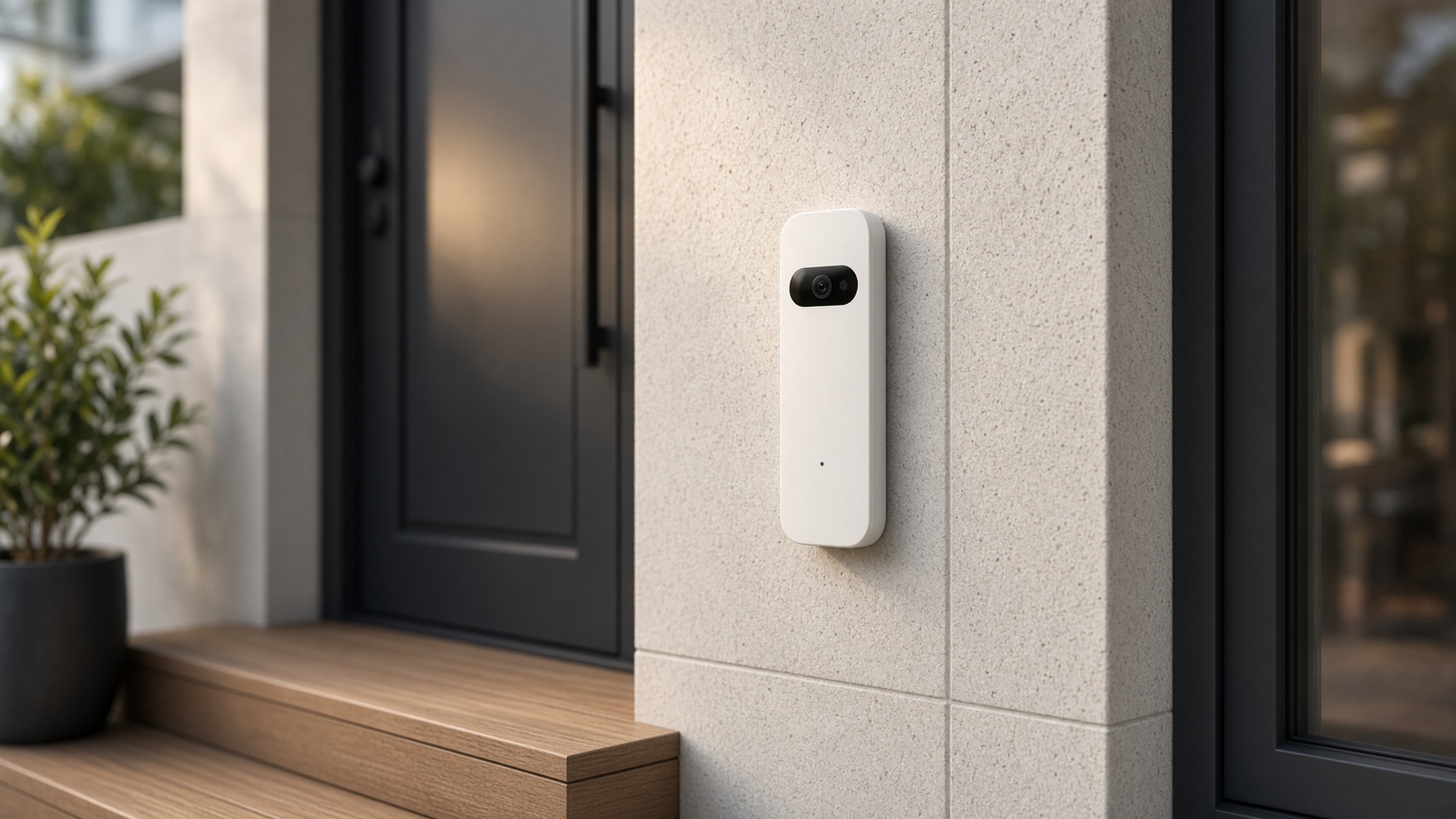
Video doorbells
A doorbell with a camera. You can see the porch, talk to whoever's there, and save a clip if a package walks off. It uses the same app as your other cameras.
How it works
- 01
Check the door
We'll look at the power and the chime you already have, so this isn't just another battery gadget.
- 02
Set it up on site
Night view, package alerts, and who the call goes to — we'll set that while we're standing at the door with you.
- 03
Add it to the rest of the cameras
Doorbell clips live with everything else. One app, one number if you need help.
What it is
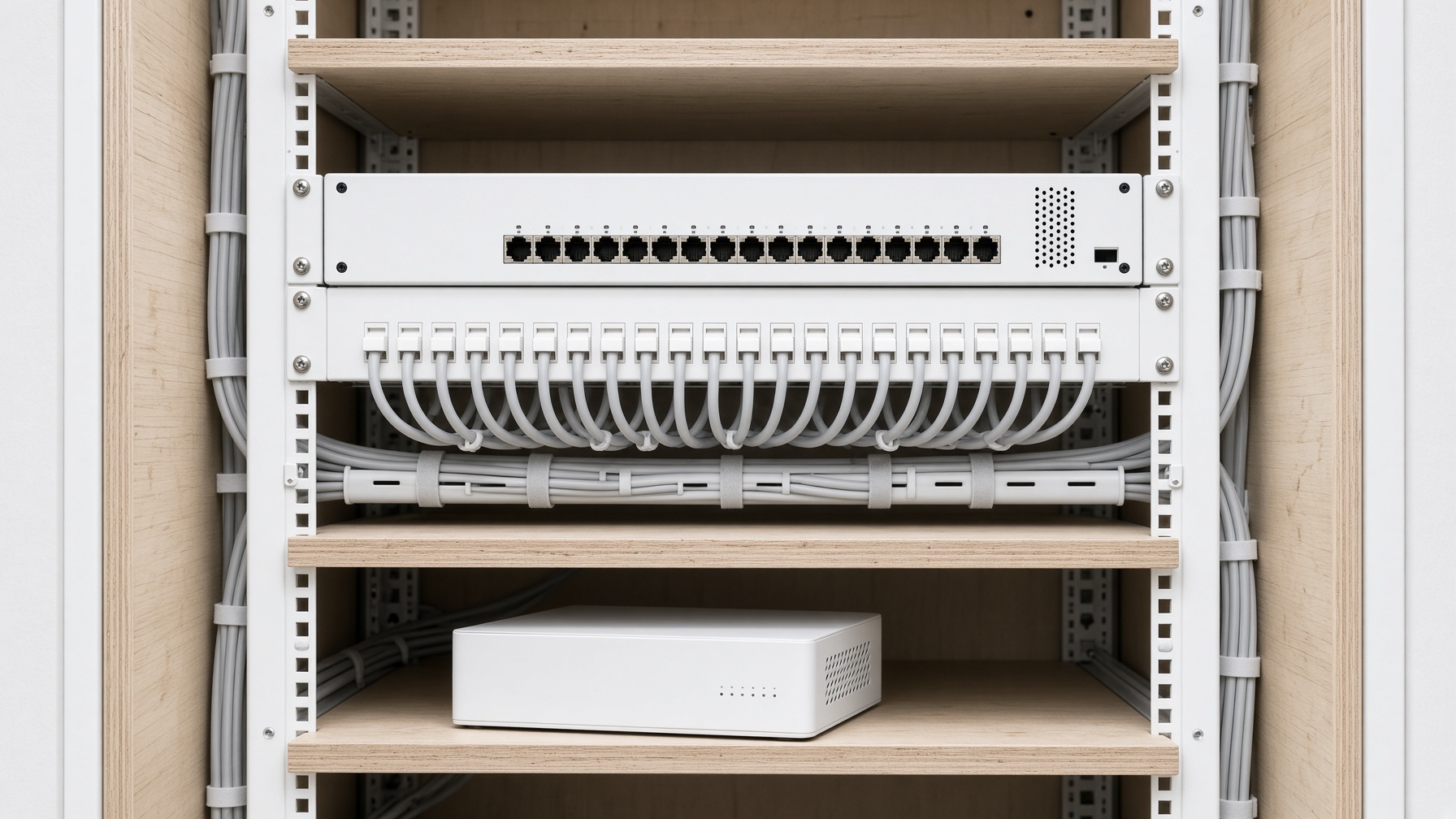
Low-voltage infrastructure
The cable and the closet behind the cameras and locks. If that's a mess, things start failing. We pull labeled cable once so you're not opening walls every time you add a device.
How it works
- 01
Draw the runs first
Where the cable goes, where the panel lives, and how much power you need — on paper before we drill.
- 02
Pull and label
Every wire gets a name. Every device gets power. No random adapters stuffed in the ceiling.
- 03
Leave a map
You'll get a closet someone else can work in, and a list of what's where. That's how the system stays usable years from now.
New York State grants
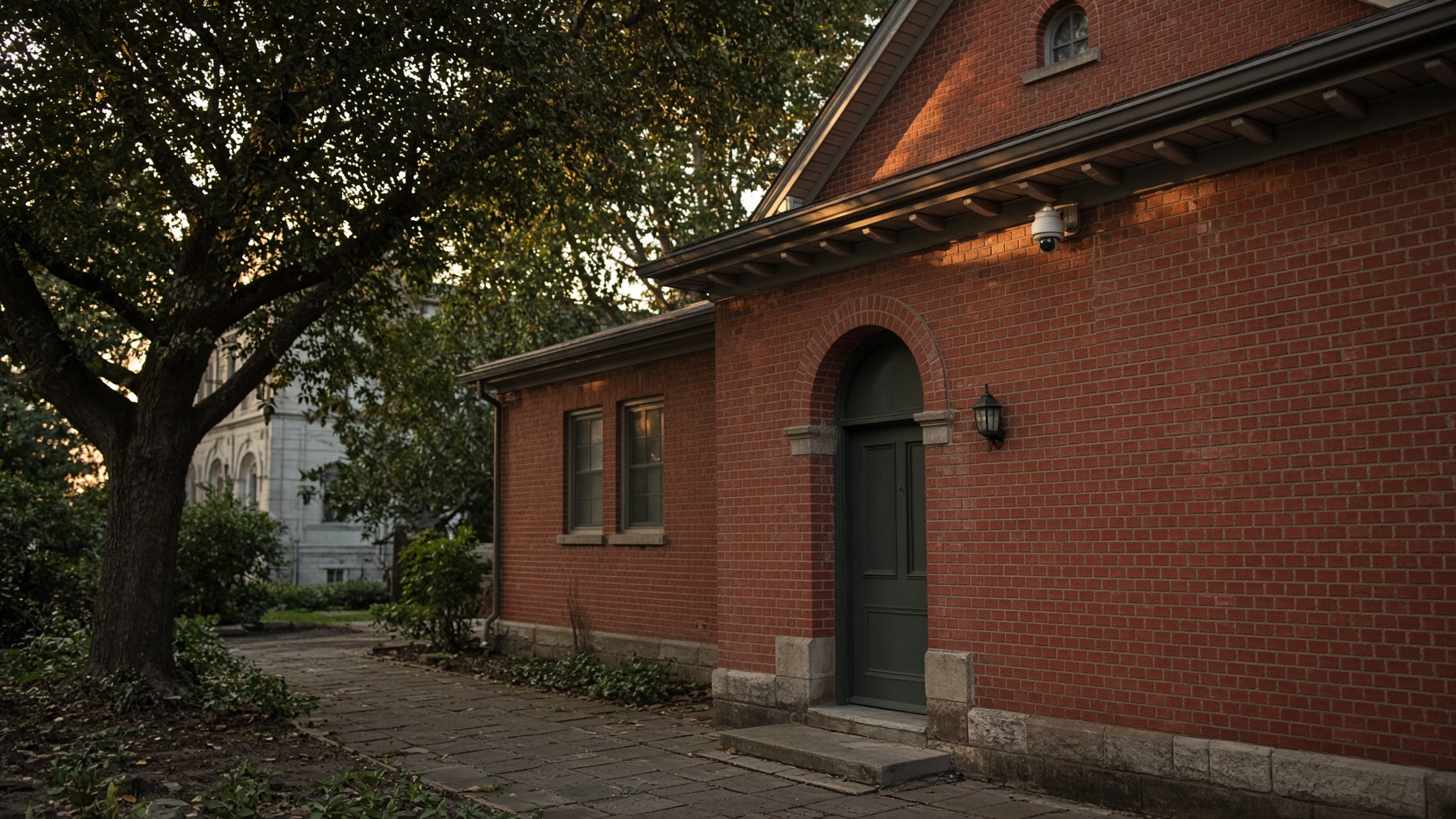
Schools, churches, and nonprofits can get help paying for this.
New York State has security grants for religious institutions, schools, and nonprofits, including Securing Communities Against Hate Crimes. We work with partners who handle the paperwork. If you already put in cameras or locks, some programs can reimburse you after the fact. We'll spec the work so it matches what the grant allows.
Want us to take a look?
We'll come by, look at what you've got, and tell you what we'd do. The visit is free.